


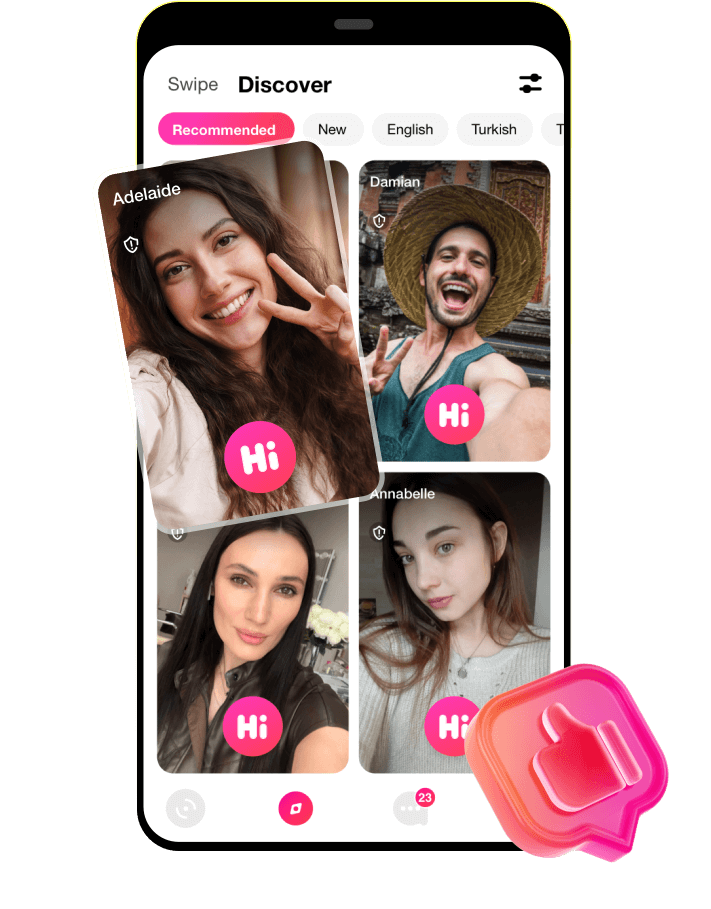
Discover innovative live video calls with LivCam, the free app for connecting with new friends anywhere in the world. Experience seamless communication with high-quality video and audio.
try LivCam Random Video Call APP and Talk to Strangers
Talk to strangers with similar interests worldwide and engage with new friends in exciting face-to-face live cam chat. LivCam is your best live video chat app to discover the world where connections go beyond the ordinary.
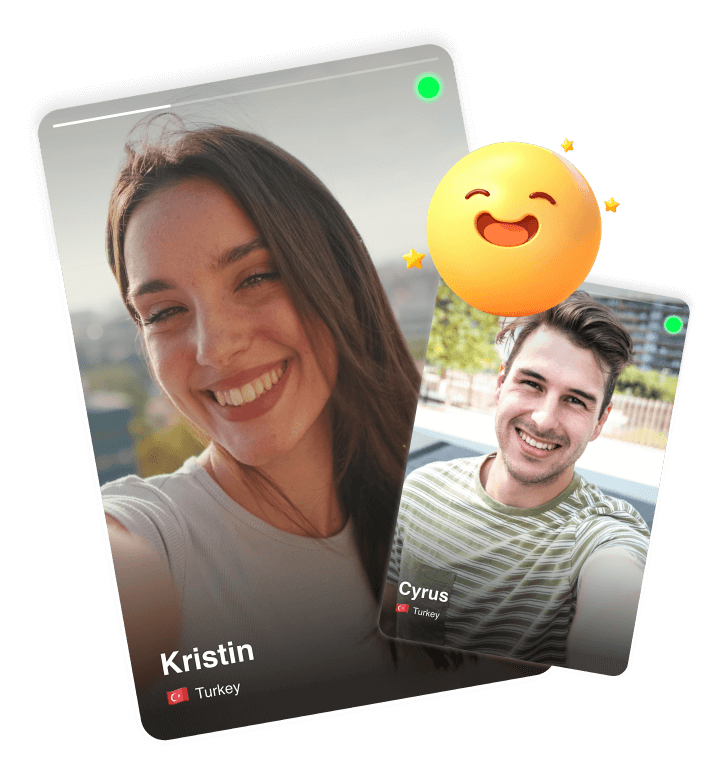
Download LivCam now to Make Real and Genuine Connections Worldwide
Ready to Connect with the World?
LivCam is a fun and safe live video chat app where you can meet new friends from around the globe in seconds!
Whether you’re looking for new friendships, spontaneous conversations, or just want to pass the time, LivCam makes it easy with real-time random video chats and fast matching.

Live Video Chat with Real People
Start a random video call and instantly connect face-to-face with someone new — anytime, anywhere.
Join thousands of users already making meaningful connections on LivCam.
Download LivCam now and start your next video chat adventure today!

Global Matching + Instant Translation
Meet users from different countries. Language barrier? No worries — LivCam helps you chat with real-time subtitles and translation.

Beauty Filters & Fun Effects
Always camera-ready with built-in beauty filters and cool effects that make every call more fun.
Fast & Easy to Use
One tap to start chatting. No long sign-ups. Just open the app and dive into global conversations.
Safe & Private
Stay safe with our moderation tools, reporting system, and privacy features. Your comfort is our priority.
Download LivCam now to Make Real and Genuine Connections Worldwide
GET IT ON Google PlayLivCam FAQ
-
Where can I download the official LivCam app?You can safely download the official LivCam app directly from our website (livcam.me) or through the Google Play Store. We recommend using these official sources to ensure you receive the most secure and up-to-date version.
-
Is the LivCam app free to download?Yes, downloading and installing the LivCam app is completely free. After installation, you can create your account and start exploring our global 1v1 video chat community immediately.
-
Why do I need to register after downloading the app?Registration is a key part of our commitment to safety. By requiring an account, we can verify our users and effectively filter out bots, ensuring that every 1v1 video call you have is with a real, authenticated person.
-
What should I do if the APK file fails to install?If you are installing the APK directly, please ensure that "Install from Unknown Sources" is enabled in your device's security settings. Also, check that you have sufficient storage space and a stable internet connection.
-
Can I sign up using my existing social media accounts?Yes! To make the process faster, LivCam supports quick registration via Google and other popular platforms. This allows you to set up your profile and start your first online video chat in just a few seconds.
-
Is my data protected when I use the LivCam app?Absolutely. We use industry-standard encryption to secure your account data and personal information. Your 1v1 video calls are private and are never recorded by our system.
-
How do I get the latest features and updates?We regularly release updates to improve video call stability and add new matching features. If you downloaded via Google Play, updates are usually automatic. If you used the APK, please check our download page for the latest version.
-
Does the app require specific device permissions?To enable 1v1 video calls, the app needs access to your camera and microphone. These permissions are only active during your calls, ensuring you can see and hear your matches clearly.
-
Can I use the same account on multiple Android devices?Yes, once you have registered, your account credentials can be used on any compatible Android phone or tablet. Your friend list and preferences will be synced across all your devices.
-
How do I start my first match after installation?After you log in to your new account, simply grant the necessary camera permissions and tap the "Start" button. Our real-time matching algorithm will connect you for a 1v1 video call with a global user instantly.